Extend an idea
Piano Player
Give it one bar. Piano Player works out where the idea is heading and continues it into a loop, such as four bars.
 MARYA LABSDownload DAWN
A people's agent for Ableton Live 12. Extend a one-bar idea into a loop, turn a loop into a skeleton arrangement, and let the agent run the session, all from your cursor. The music-agent framework is open source.
Piano Player · Skeleton Arrangement · Agent · Unlimited local music generation on your Mac.
Beta · v0.5.0macOS · Apple Silicon
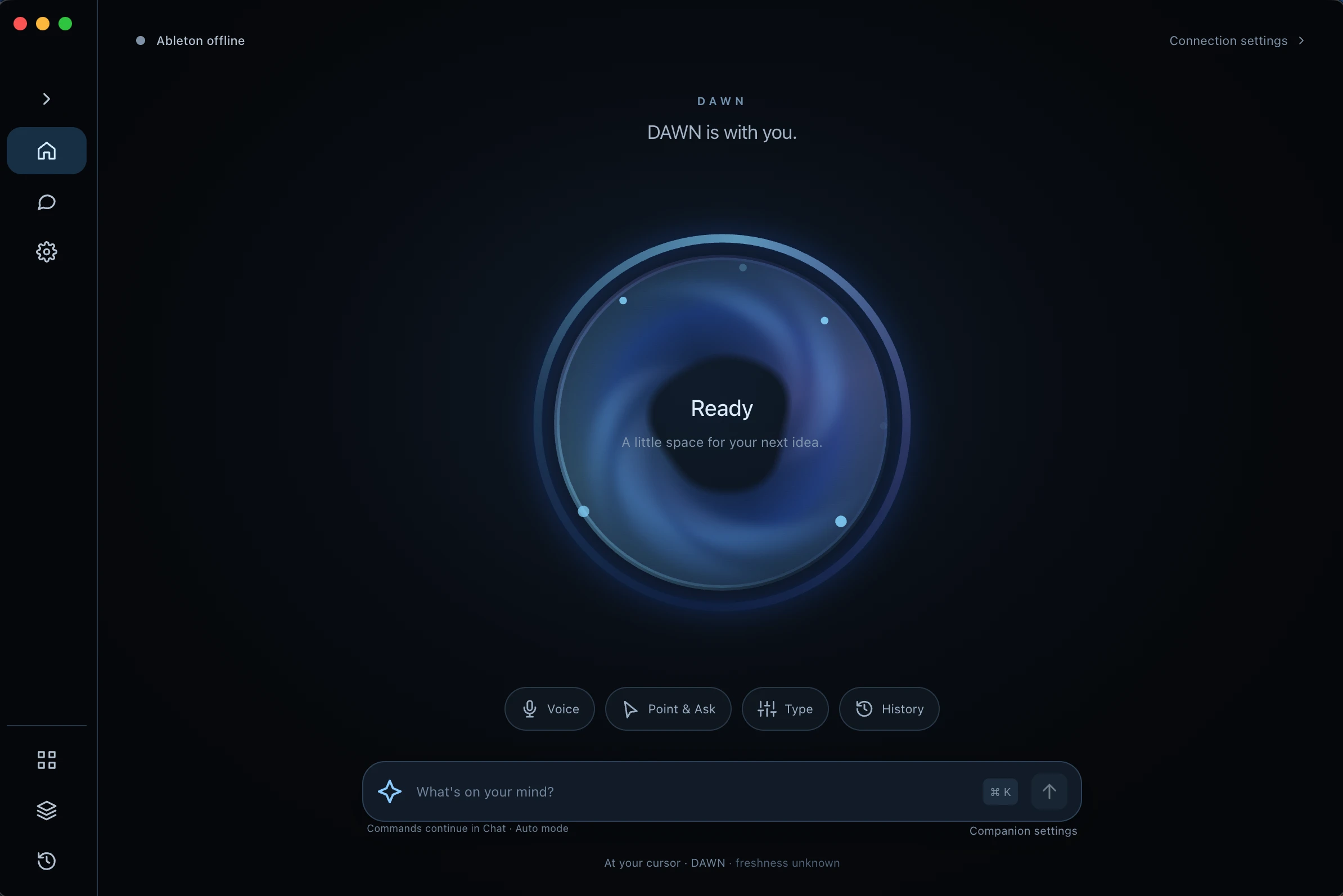
The agent lives at your cursor. The portal opens at your pointer, captures your request, reports the result, and gets out of the way. It controls more of your session with every release.
Tap Right Option to toggle the Halo, or hold it for 250 ms to start Point & Ask at your pointer.
Say what you want, or point at a track or device and ask about it. Release to send.
DAWN flashes what it heard and reports the result when the job is done. Questions come back by voice.
Three ways in
Every exchange lands in your selected Chat, tied to the open Set. Voice starts only when you start it.
Tools for the first hour of a track, when speed matters more than polish.
Extend an idea
Give it one bar. Piano Player works out where the idea is heading and continues it into a loop, such as four bars.
Shape the track
Give it a loop or MIDI idea. The agent lays out a skeleton arrangement to react to, and you keep the final call.
Hear a direction from a text prompt, generated offline on your Mac.
Find a texture, foley or ambience to build around, also offline.
It reads your Set, makes the moves, and checks them in Live. You keep the creative calls.
Use a ChatGPT/Codex or MiniMax account, or run a local model with Ollama or LM Studio. DAWN adds the Ableton context, tools, and safeguards. The free beta does not accept API keys.
 ChatGPT / CodexConnect your ChatGPT account through Codex. Provider plan limits and availability apply.
 MiniMaxConnect your MiniMax account for the agent. Provider plan limits and availability apply.
 OllamaRun a suitable model through Ollama on your Mac. Install the server and model separately; tool support and performance depend on the model and hardware.
 LM StudioConnect LM Studio’s local server. Install it and a suitable model separately; tool support and performance depend on the model and hardware.
Local Studio is an opt-in add-on, with a separate download of approximately 6.3 GB. It uses separately downloaded music and sound-effects models on Apple Silicon through MLX/Metal, requires macOS 14 or later, and runs offline after installation. Model weights are not bundled with DAWN.
Music
Structured, longer-form music from a text prompt, generated on your own machine.
Sound effects
Sound effects, foley, and ambient textures from a text prompt.
DAWN is a single, free macOS app. Nothing to load on a track, nothing else to keep running.
Download the app and open it. DAWN installs its Ableton Remote Script for you.
Restart Live, then choose DAWN as a Control Surface in Settings → Link, Tempo & MIDI.
Sign in with ChatGPT/Codex or MiniMax, or connect Ollama or LM Studio. Allow Accessibility for the ⌥ shortcut.
Ableton Live Suite 12 recommended. The microphone is used only when you speak.
DAWN Core is a separate open-source music-agent library for Ableton Live, aimed at developers. The DAWN app uses DAWN Engine.
Licence: Apache License 2.0